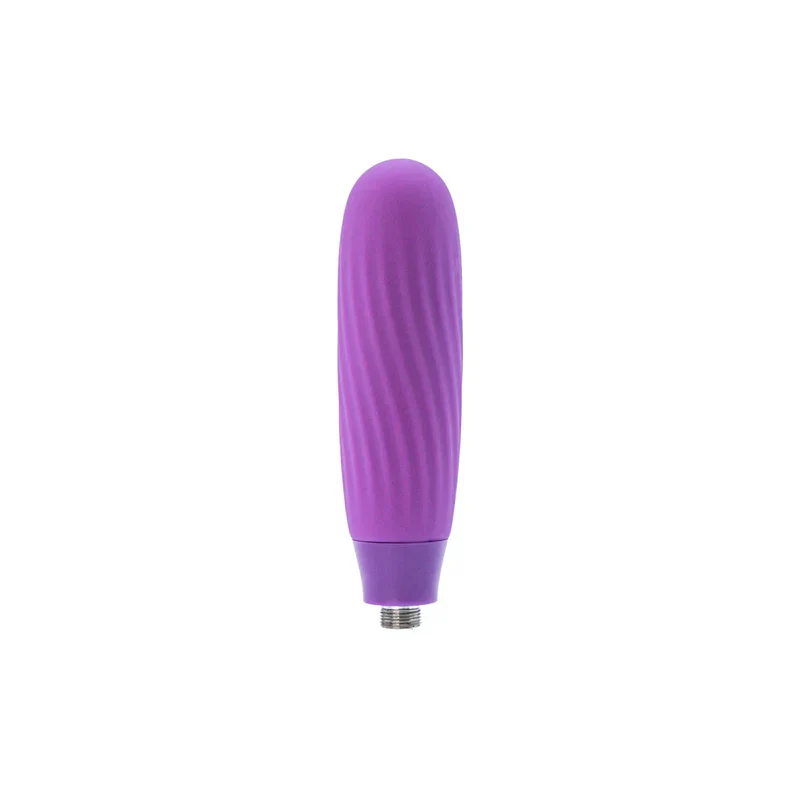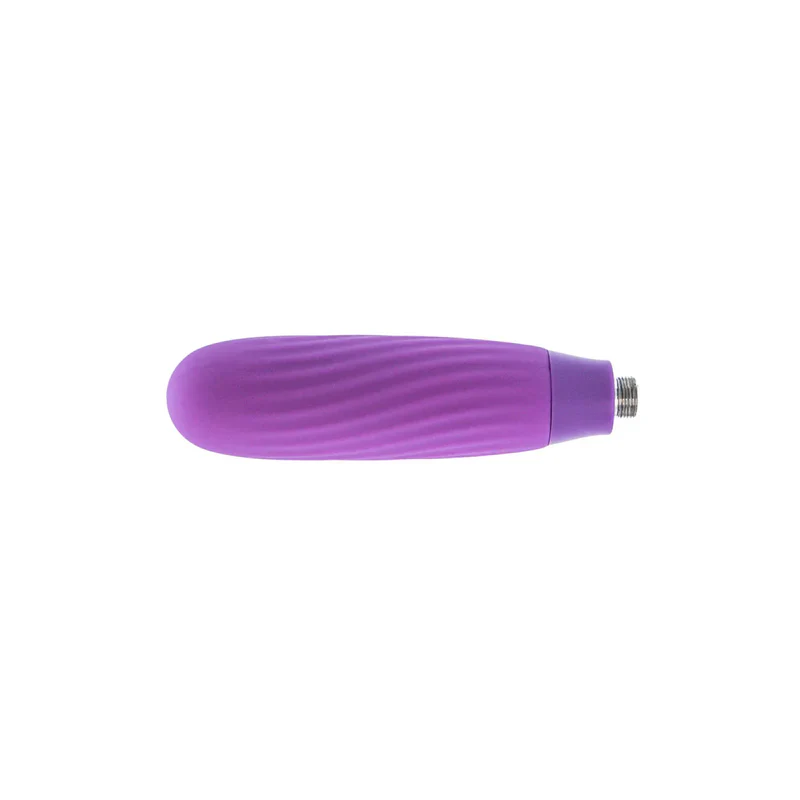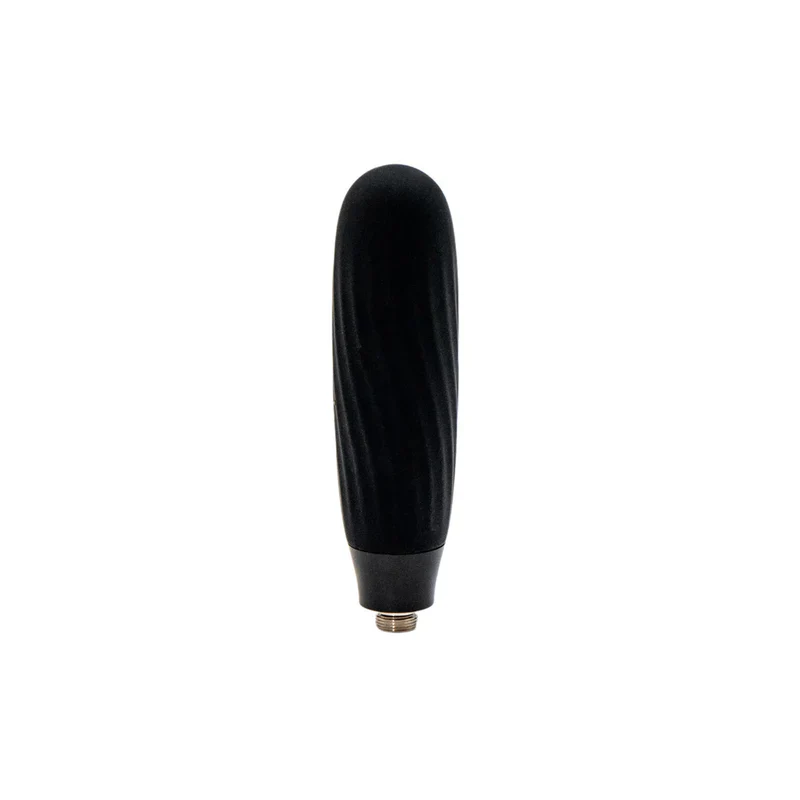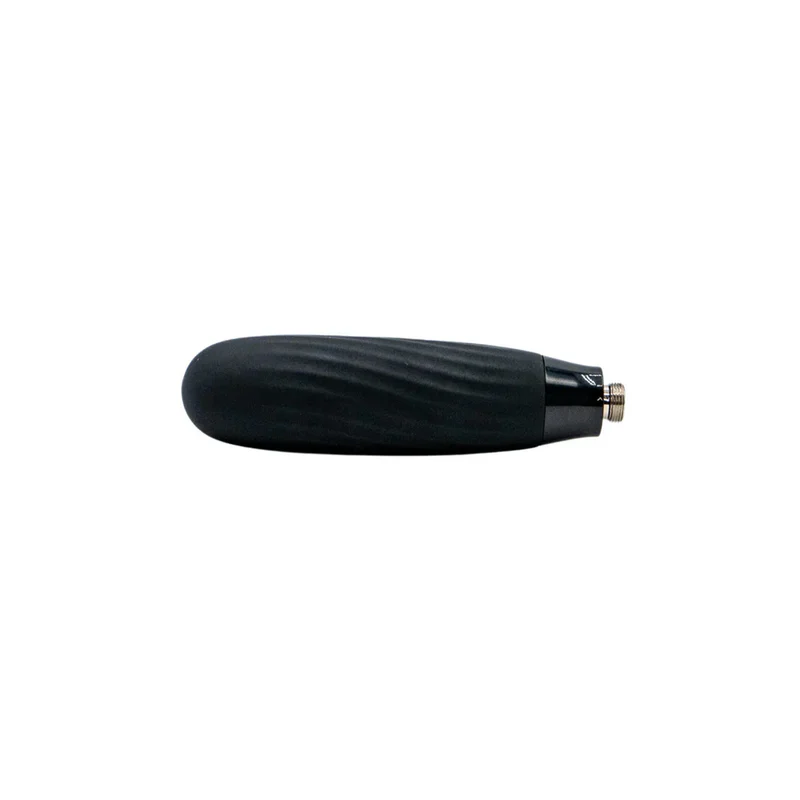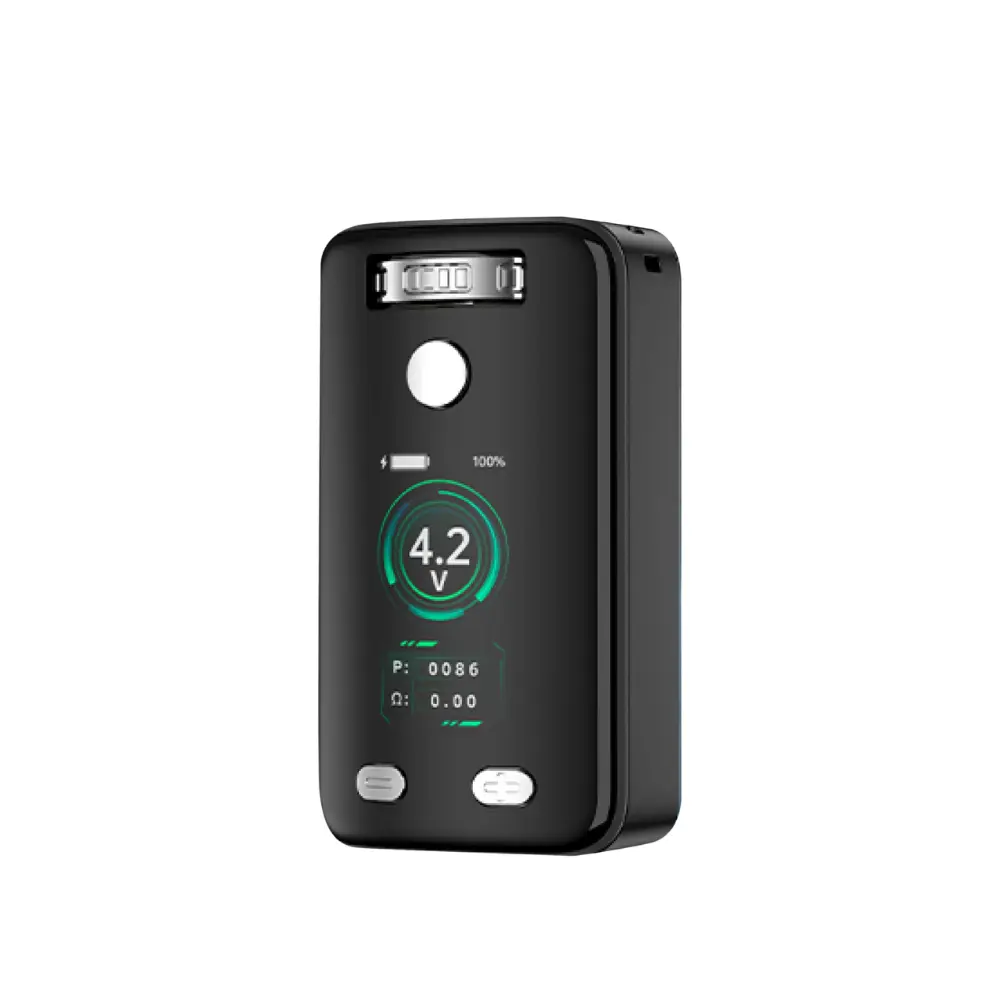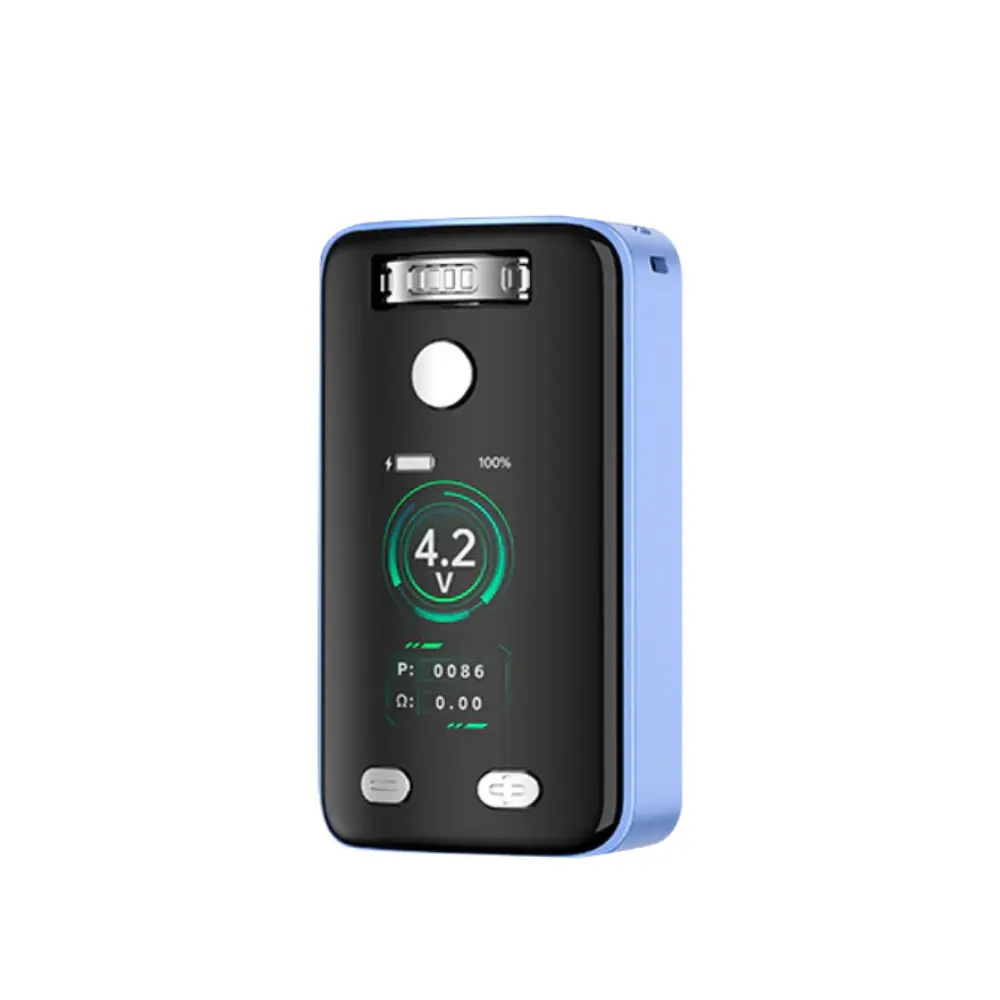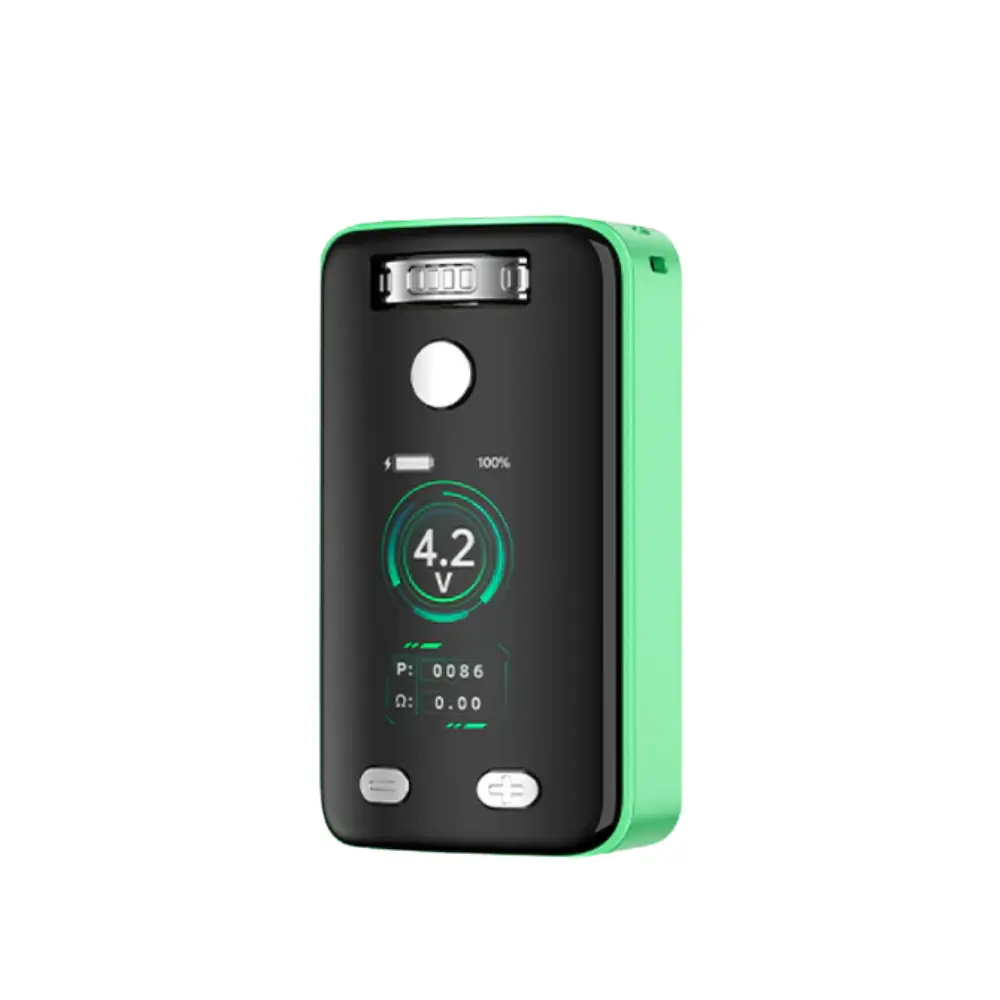
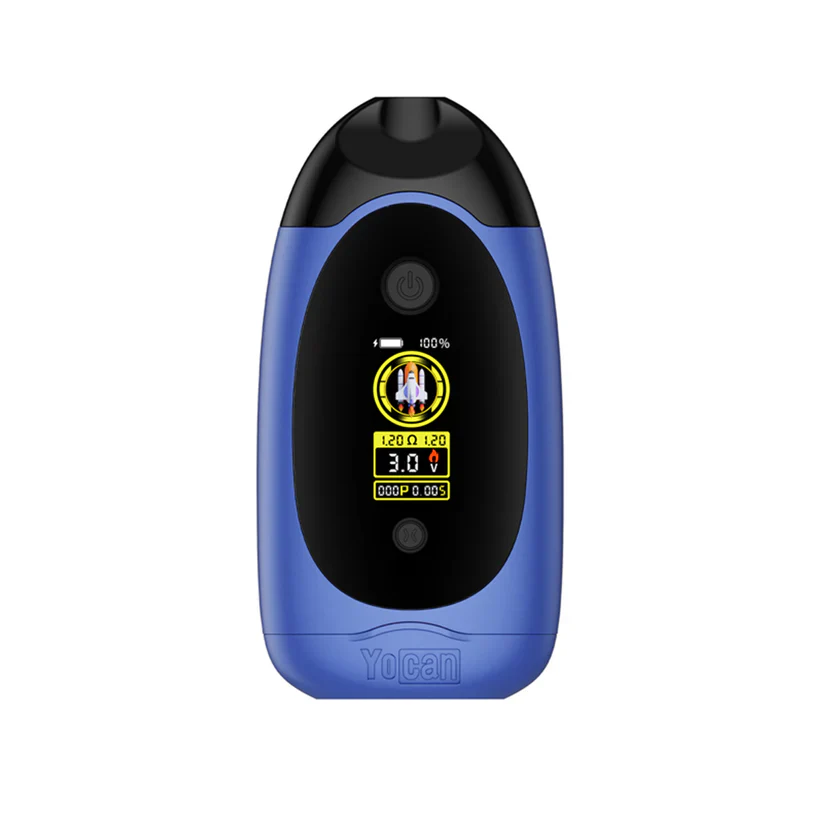
Yocan: "Dubb" 510 Dual Cart (Blue)
The Yocan Dubb Dual Cart 510 Battery is a compact, dual-cart vape that lets you mix and match waxes and oils using two 510-threaded cartridges at once. It features both draw-activated and button-activated modes, precise voltage control (1.8V–4.2V), and a long-lasting 750mAh battery with USB-C fast charging. With magnetic connections, automatic shut-off, and a range of colors, the Dubb is built for portability, performance, and personalization.
Product Features
How to Use
- Pull out the base and screw your cartridge on.
- Turn ON/OFF: Quickly click the power button 5 times within 2 seconds, the device will vibrate once, and the haptic feedback is enabled by default.
- Haptic Feedback ON/OFF: Click power button 7 times, the device will vibrate 3 times.
- Select Cartridge (2 Cartridges Installed): Click power button 3 times to enter into Cartridge Selection Mode, then click bottom button 1 time to choose left cartridge, click again to choose right cartridge, another click to choose both cartridges.
- Adjust The Voltage: Click bottom button 1 time to raise by 0.1V.
- Preheat: Click power bottom 2 times, the device will vibrate twice when it's ready (Haptic Feedback ON).
- Vaping:
1) Draw Activated: Simply inhale. 10 second safety cut-off.
2) Button Activated: Press and hold the power button. 15 second safety cut-off. - Puff Reset: Press power and bottom buttons together for 0.5 seconds.
- Charging: Type-C port. Fast charging not supported. The screen turns off automatically once fully charged.
Notice: Auto shutdown after 1 hour, the device will vibrate once.
Description
The Yocan Dubb Dual Cart 510 Battery is a compact, dual-cart vape that lets you mix and match waxes and oils using two 510-threaded cartridges at once. It features both draw-activated and button-activated modes, precise voltage control (1.8V–4.2V), and a long-lasting 750mAh battery with USB-C fast charging. With magnetic connections, automatic shut-off, and a range of colors, the Dubb is built for portability, performance, and personalization.
Product Features
How to Use
- Pull out the base and screw your cartridge on.
- Turn ON/OFF: Quickly click the power button 5 times within 2 seconds, the device will vibrate once, and the haptic feedback is enabled by default.
- Haptic Feedback ON/OFF: Click power button 7 times, the device will vibrate 3 times.
- Select Cartridge (2 Cartridges Installed): Click power button 3 times to enter into Cartridge Selection Mode, then click bottom button 1 time to choose left cartridge, click again to choose right cartridge, another click to choose both cartridges.
- Adjust The Voltage: Click bottom button 1 time to raise by 0.1V.
- Preheat: Click power bottom 2 times, the device will vibrate twice when it's ready (Haptic Feedback ON).
- Vaping:
1) Draw Activated: Simply inhale. 10 second safety cut-off.
2) Button Activated: Press and hold the power button. 15 second safety cut-off. - Puff Reset: Press power and bottom buttons together for 0.5 seconds.
- Charging: Type-C port. Fast charging not supported. The screen turns off automatically once fully charged.
Notice: Auto shutdown after 1 hour, the device will vibrate once.